Snap the receipt
Point your camera at any paper receipt. No forms and no spreadsheet typing.
Stop typing every line item. Snap a photo, or attach multiple receipts, and TrackFi reads merchant, amount, and date, then files the expense with the proof attached.


Free receipt scanning · Multiple receipts per expense

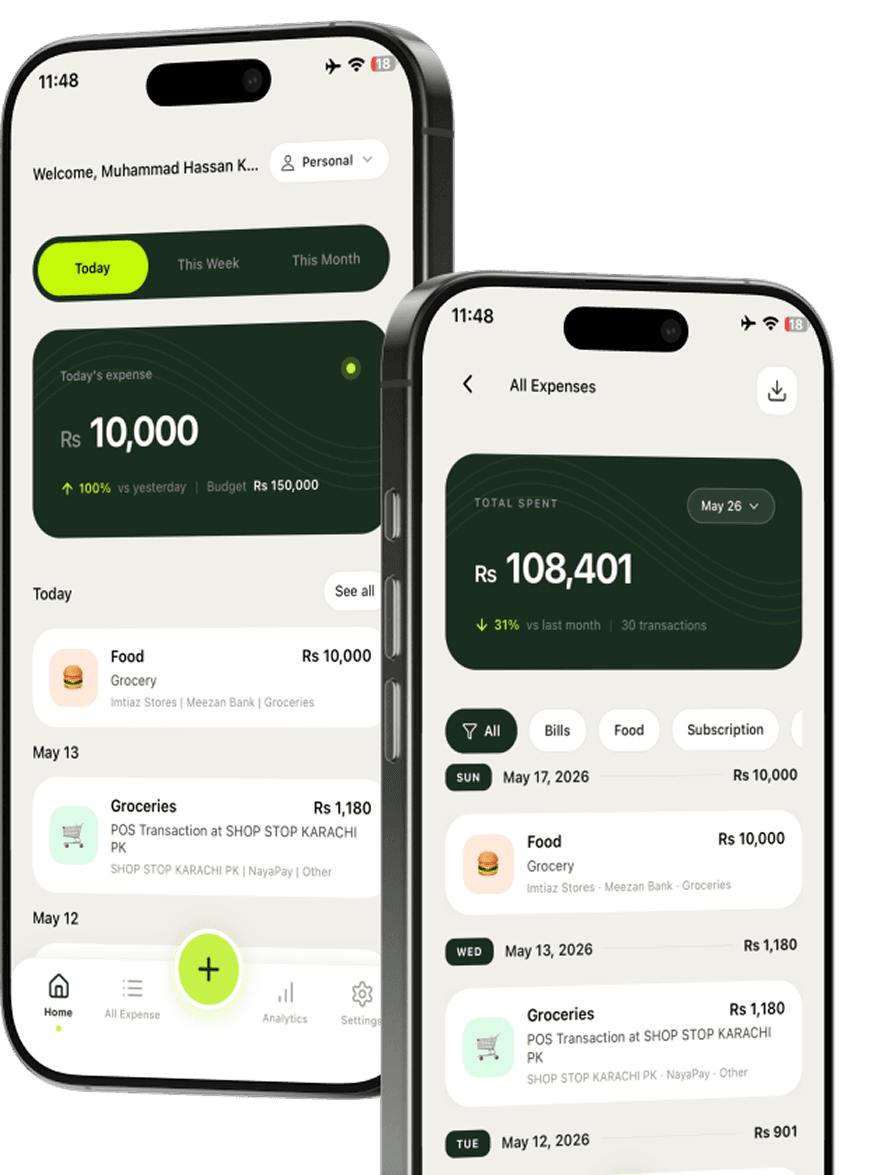
Most scanners stop at OCR. TrackFi reads the receipt, categorizes the spend, and keeps the photo attached. Need more than one slip? Attach multiple receipts to the same expense in the app.
Point your camera at any paper receipt. No forms and no spreadsheet typing.
Add more than one receipt photo to the same expense when you need full proof.
Merchant, amount, and date are pulled from the photo so you can confirm and save.
Scan at the cafe counter before the slip disappears into your bag.
Attach several slips to one expense when a purchase needs more than one photo.
Check merchant, amount, and date before you save, then move on.
Every receipt photo stays on the expense so you never dig through camera rolls.
Prefer the camera in TrackFi? Scan one receipt or attach multiple receipts to the same expense. Away from the app? Connect WhatsApp official agent and send receipt photos in WhatsApp and the bot logs them for you.
Learn how that works on our WhatsApp expense tracker page. Prefer inbox receipts? Try email receipt forwarding.
Yes. Receipt scanning is included on the Free plan. Snap a photo and AI captures merchant, amount, and date automatically.
Yes. In the app you can scan and attach more than one receipt to the same expense, useful when a purchase has several slips or you need extra proof.
Yes. After you connect WhatsApp official agent with an API key in TrackFi, send receipt photos in WhatsApp and they are logged for you.
Yes. Scanned receipts stay attached to the expense so you have a clean record for reimbursements or tax time.
Download TrackFi free, attach one or many receipts, or send them to WhatsApp.