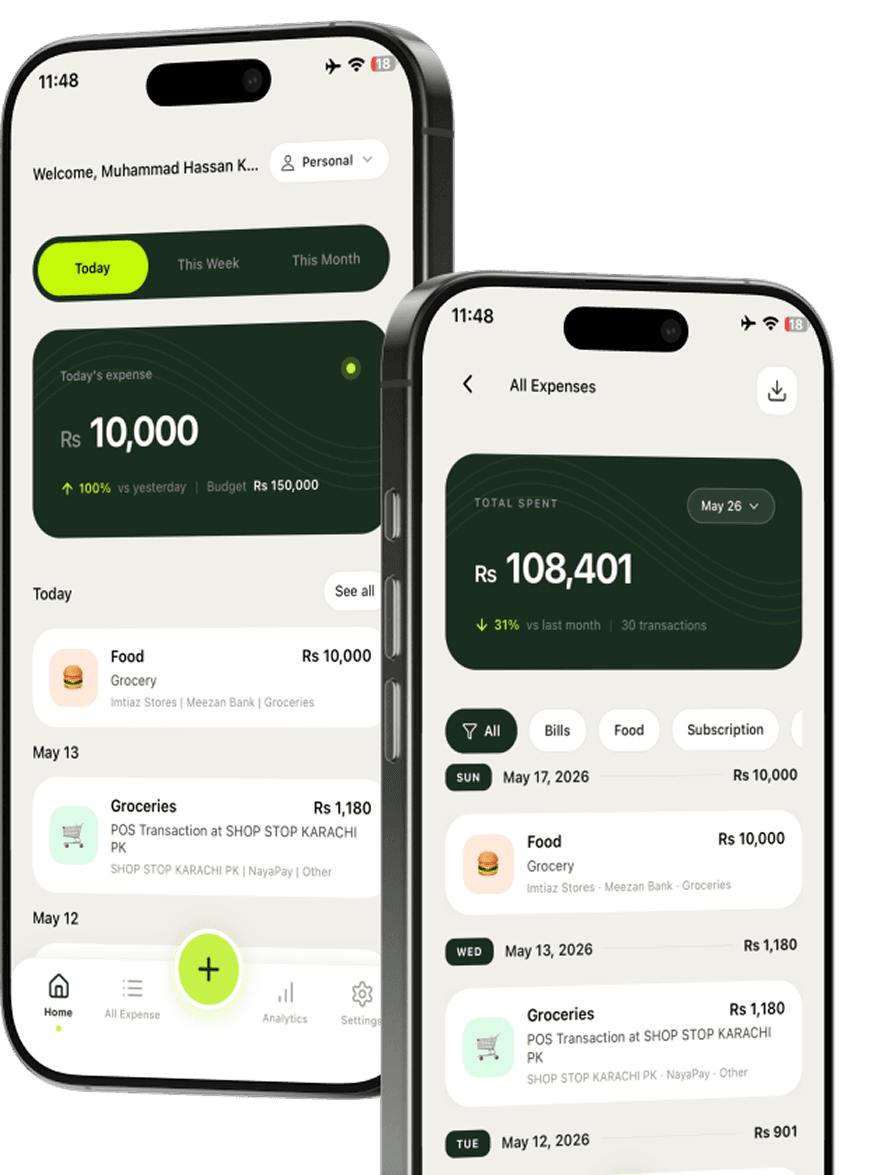
Paste your API key
Copy the API key from WhatsApp official agent and paste it in TrackFi to connect.
Forgot to open your expense app again? Connect WhatsApp official agent with an API key, then send a message, receipt photo, or voice note. AI saves a fully categorized expense.


Official agent · API key connect · Used by 5,000+ freelancers
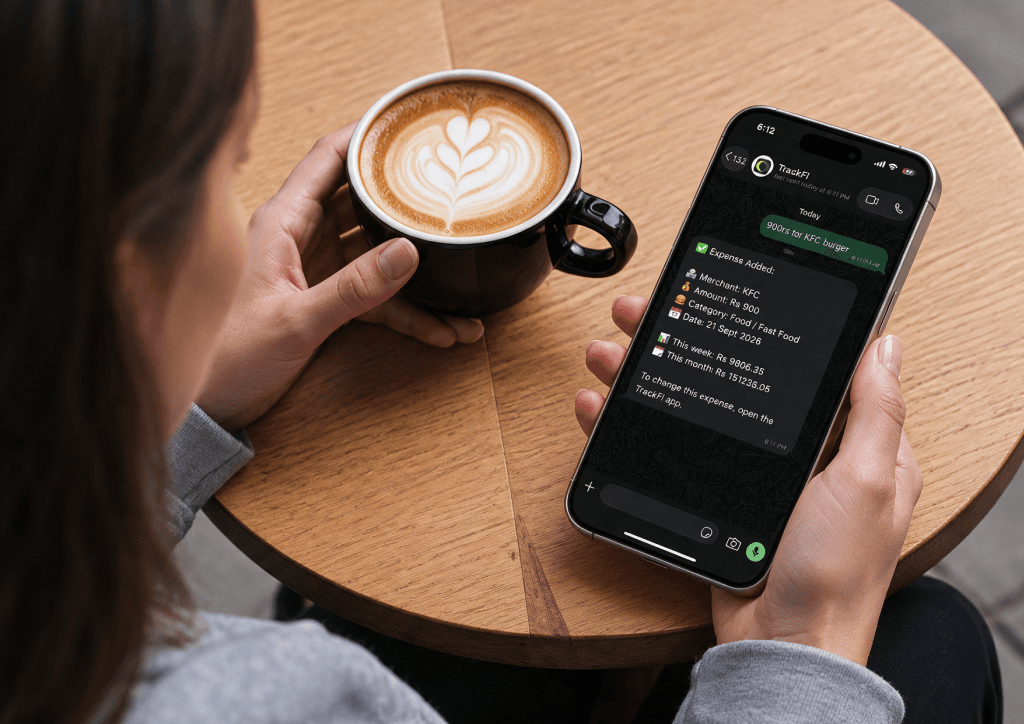
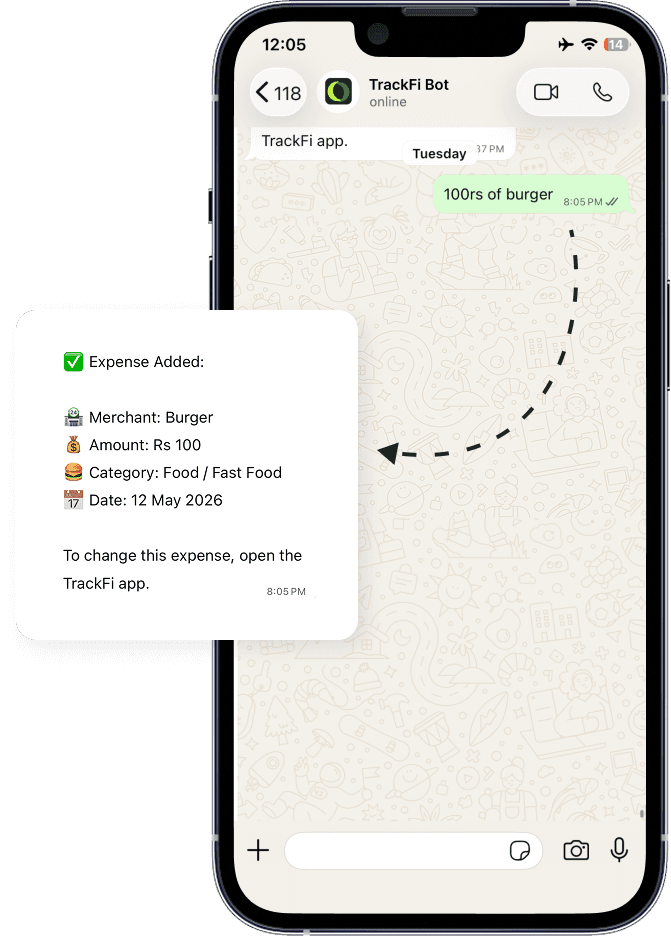
Paste your WhatsApp official agent API key in TrackFi. Then send a plain-language message, a receipt photo, or a voice note. TrackFi turns it into a categorized expense you review later in the app.
Copy the API key from WhatsApp official agent and paste it in TrackFi to connect.
Text "Spend 500 on burger", send a receipt photo, or record a short voice note in the same chat.
The expense lands in your app, neatly categorized, with no typing in forms.
In WhatsApp, tap You (Settings), then tap Agents. That is where you create and manage your official agent.
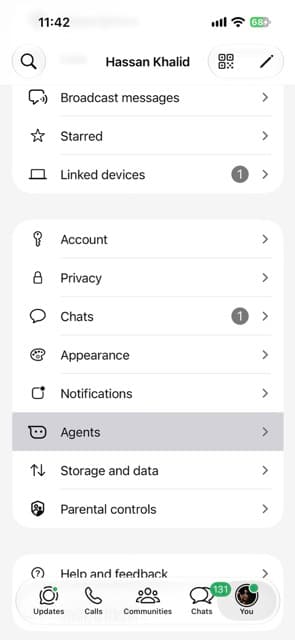
Use WhatsApp official agent. Copy the API key and paste it in TrackFi, no unofficial API.
Text something like "Spent 20 on lunch" and AI logs it while you keep moving.
Snap the slip and send the photo in WhatsApp. No app forms required.
Say what you spent and send the voice note. TrackFi turns it into a categorized expense.
Opening another app mid-errand is why expenses get forgotten. TrackFi connects to WhatsApp official agent so logging takes one message, receipt photo, or voice note. Then your records stay clean when you check the app later.
Prefer a longer how-to? Read the WhatsApp expense tracking guide. Prefer scanning inside the app? See the receipt scanner app. Prefer inbox receipts? See email receipt forwarding.

Connect WhatsApp official agent by copying your API key from WhatsApp and pasting it in TrackFi. Then send a plain-language message, a receipt photo, or a voice note. AI adds a categorized expense in seconds.
No. TrackFi uses WhatsApp official agent. You copy the API key from WhatsApp and paste it in the app to connect.
You can send text messages, receipt photos, or voice notes. TrackFi reads the details and logs the expense. No need to open the app first.
No. That is the point of WhatsApp expense tracking. Log from chat when you are on the go, then review everything later in the app.
Download TrackFi, paste your WhatsApp official agent API key, and log your next expense with a message, receipt, or voice note.